One product, different roles: designing without making every screen do everything.
B2B products serve people with different jobs. When every screen tries to serve all of them, nobody gets a good screen. The fix starts with a simple question for each role: what is the unit of work?
Ahmed HendawiPublished 4 min read
The everything screen
Many B2B products start with one interface for everyone and add roles later as filters and hidden buttons. The result is familiar: a dense screen where each person ignores most of what they see, and new staff need training to find the three things they actually do.
Kate Kaplan’s guidelines for complex applications describe these products as tools for trained users with broad goals and non-linear workflows, often with handoffs between roles. Two of her guidelines matter most here: reduce clutter without reducing capability, and help people move between tools and workspaces without friction.
Tesler’s Law adds a useful warning. Every process has complexity that cannot be removed, only moved. Role-based design does not remove the complexity of logistics or operations; it decides who carries which part of it, and makes sure the product carries as much as possible.
Find the unit of work for each role
- 01MerchantCreates the request and follows its state.
- 02OperationsAssigns capacity and handles exceptions.
- 03DriverWorks a trip: stop by stop, door by door.
- 04CustomerCollects with a code, without an account.
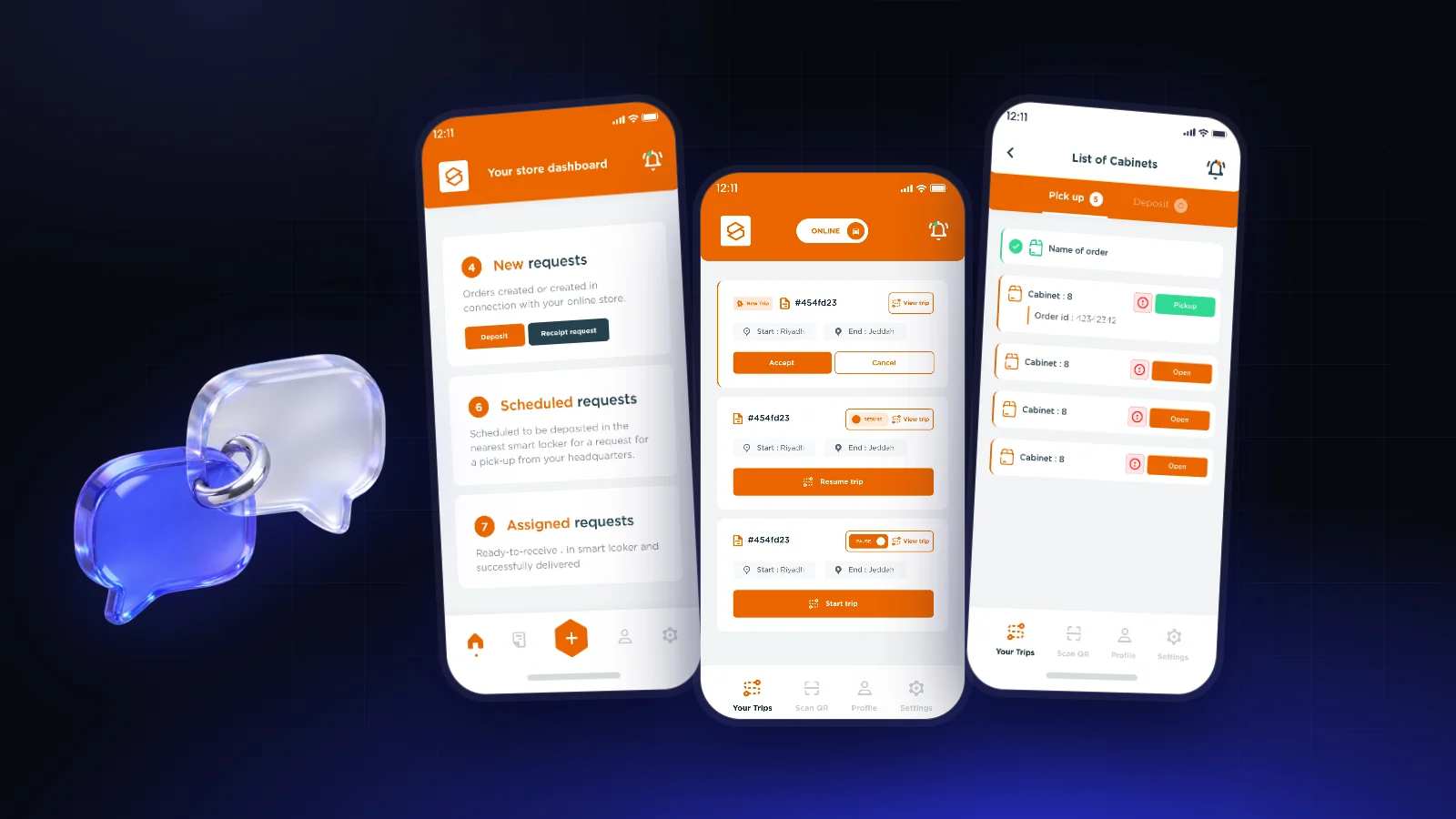
At ShuttleKSA I designed the product experience for Shttle, a smart-locker shipping service for online merchants. The same parcel passes through a merchant who requests a shipment, a driver who moves many parcels between lockers, and a customer who collects with a code. Each of them thinks about the work differently, so each got a different structure.
 Merchant
 Driver
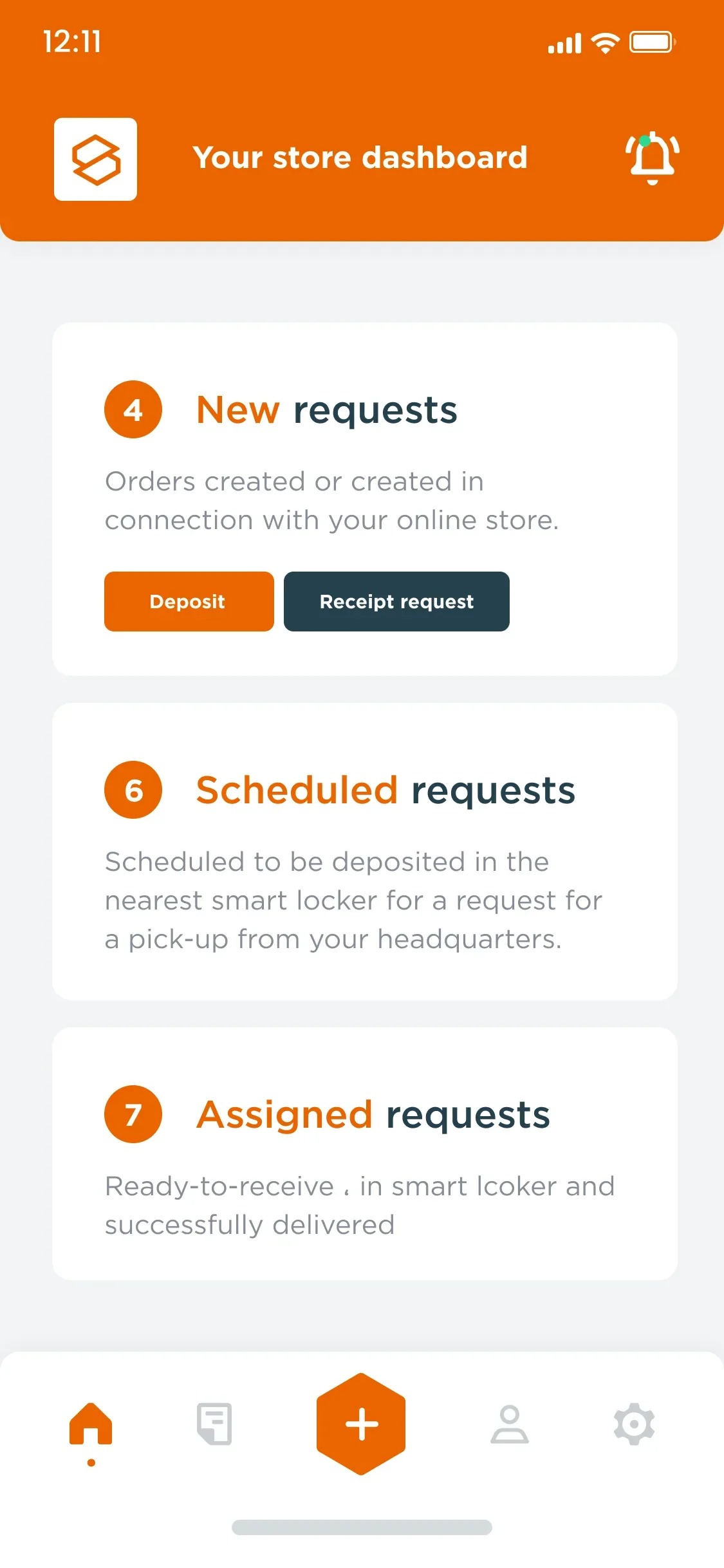
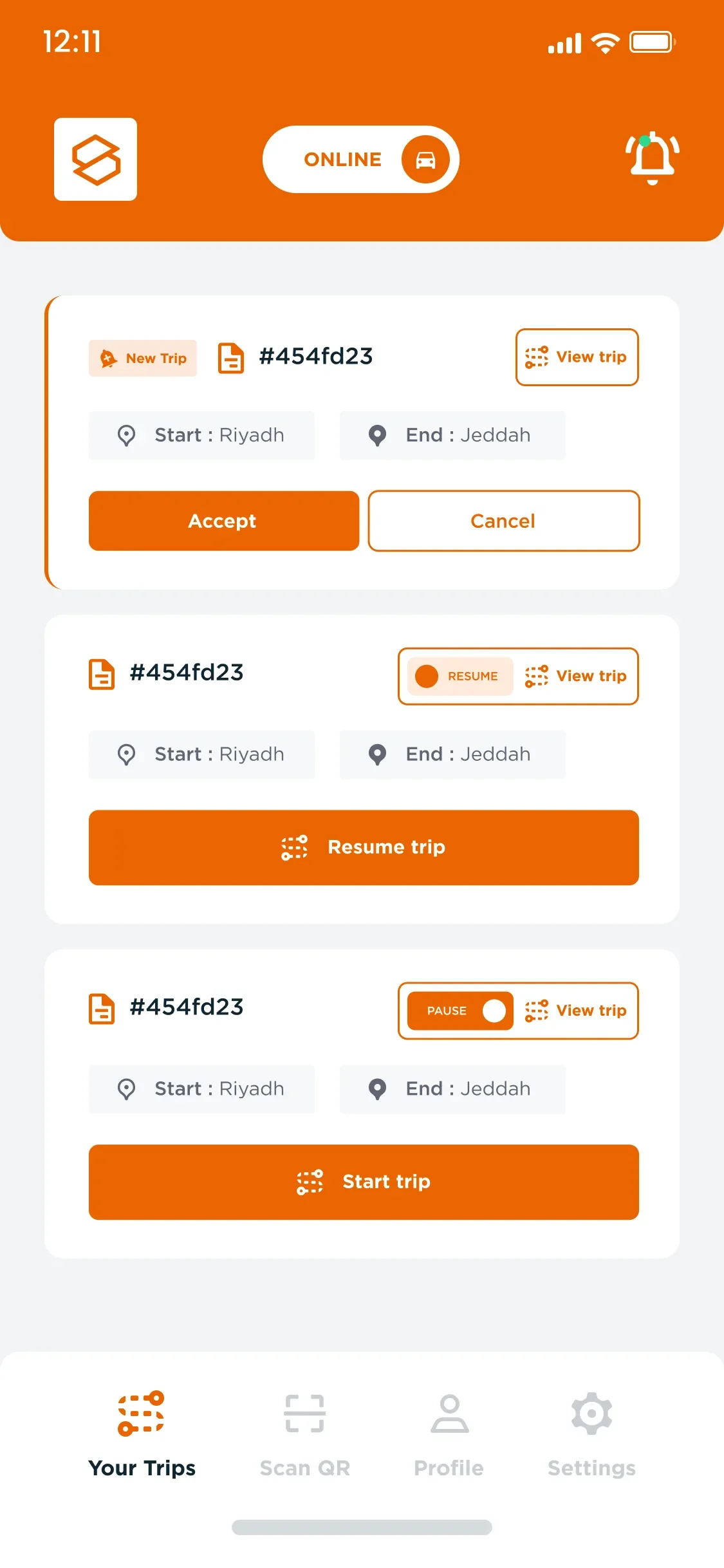
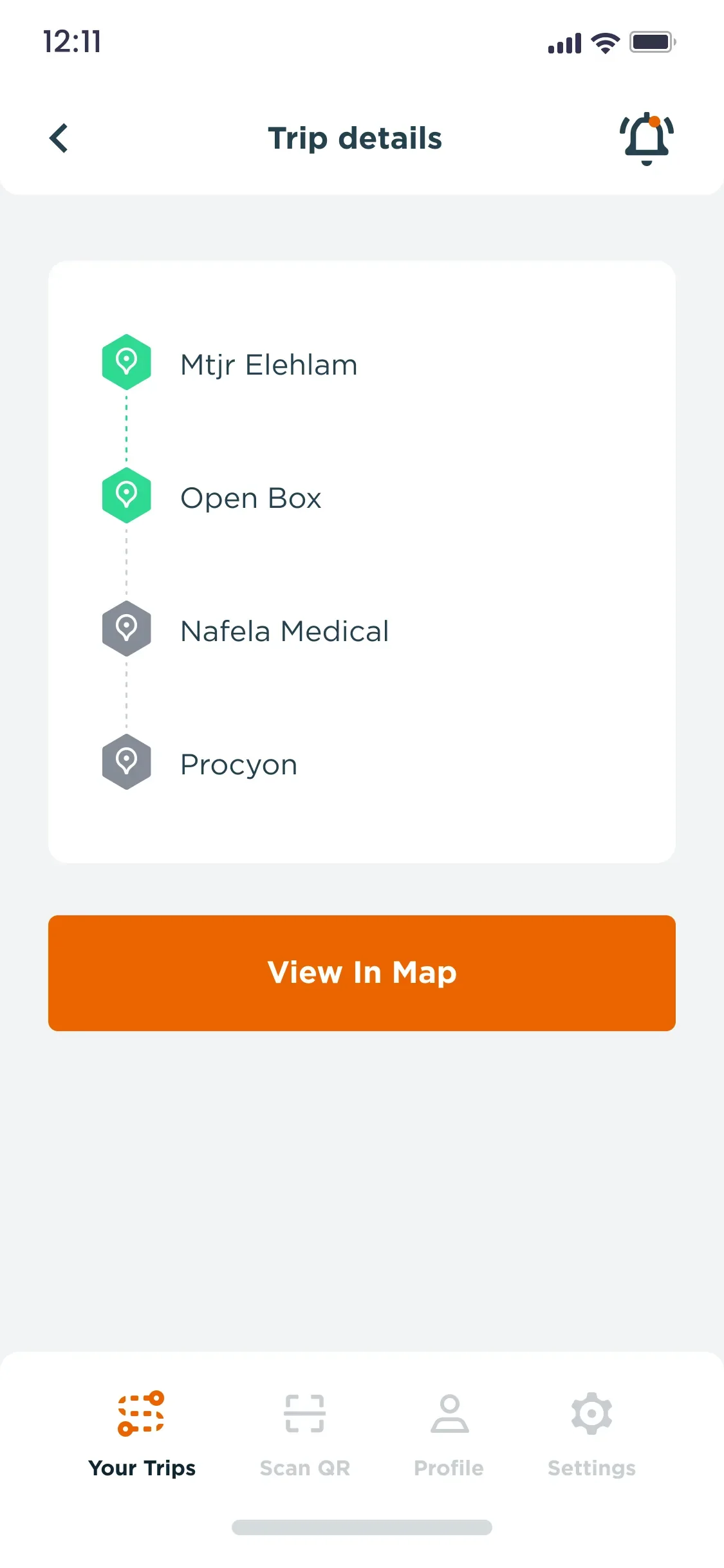
For the merchant, the unit is the request, grouped by state: new, scheduled, assigned. Each queue explains itself in one line and offers its own action, so the dashboard reads as a to-do list. For the driver, the unit is the trip. A driver does not want a list of a hundred orders; they want the next stop, and at that stop, the next cabinet.
 Trip stops
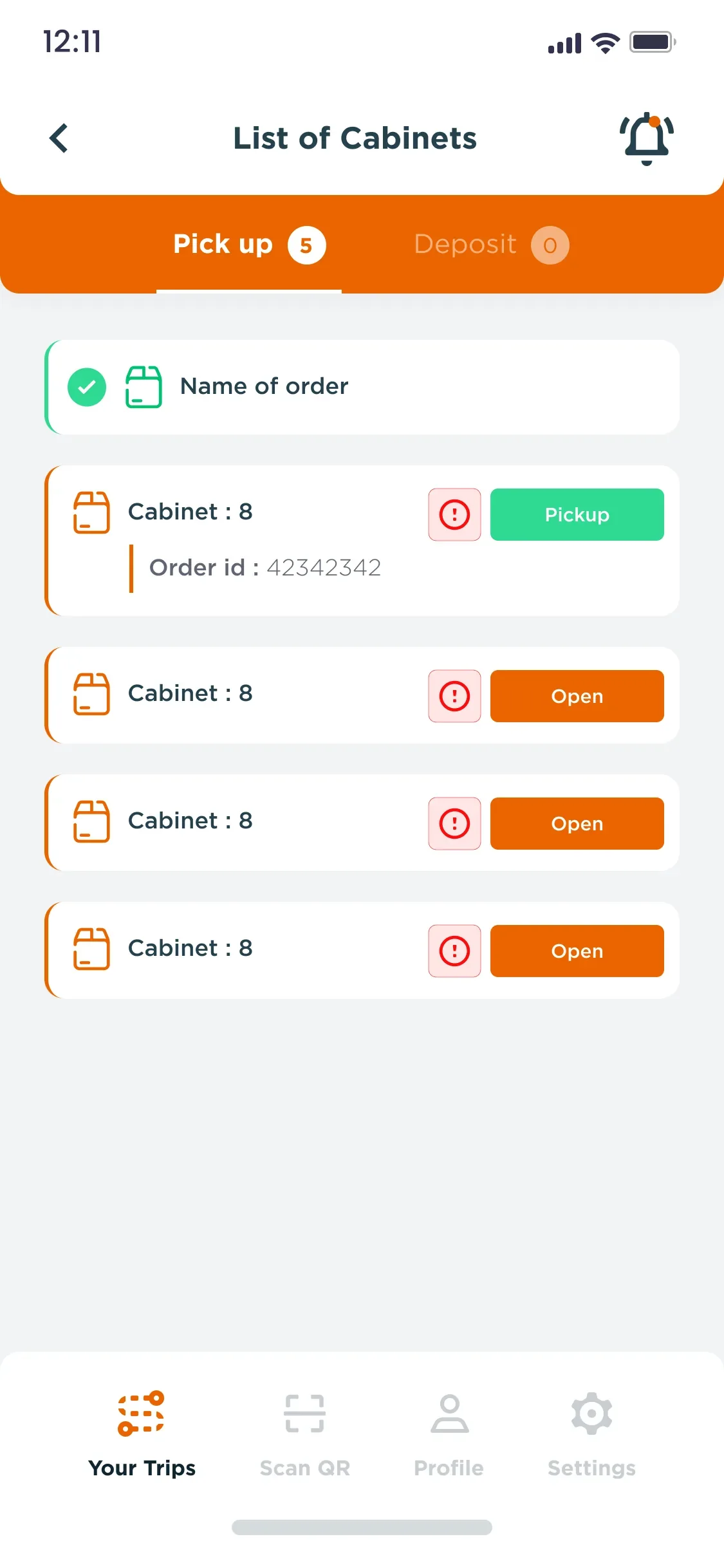 Cabinets
Navigation by task, not by table
When roles share one navigation, the menu tends to mirror the database: orders, customers, lockers, reports. That structure suits an administrator. It slows down everyone else, because their work crosses several of those objects in one task.
Task-based navigation starts from what each role does most often and puts it on the first screen, with everything else one level away. In Shttle the driver’s navigation is four items: trips, a QR scanner, profile and settings. The merchant’s main action is a single central button to create a request. Neither app shows the other role’s work.
Design the handoff, especially when it fails
The risky moments in B2B products are handoffs: the request moving from merchant to operations, the parcel from driver to locker, the locker to the customer. Each handoff needs a visible state and an owner. In a physical service, it also needs a plan for when the real world does not cooperate.
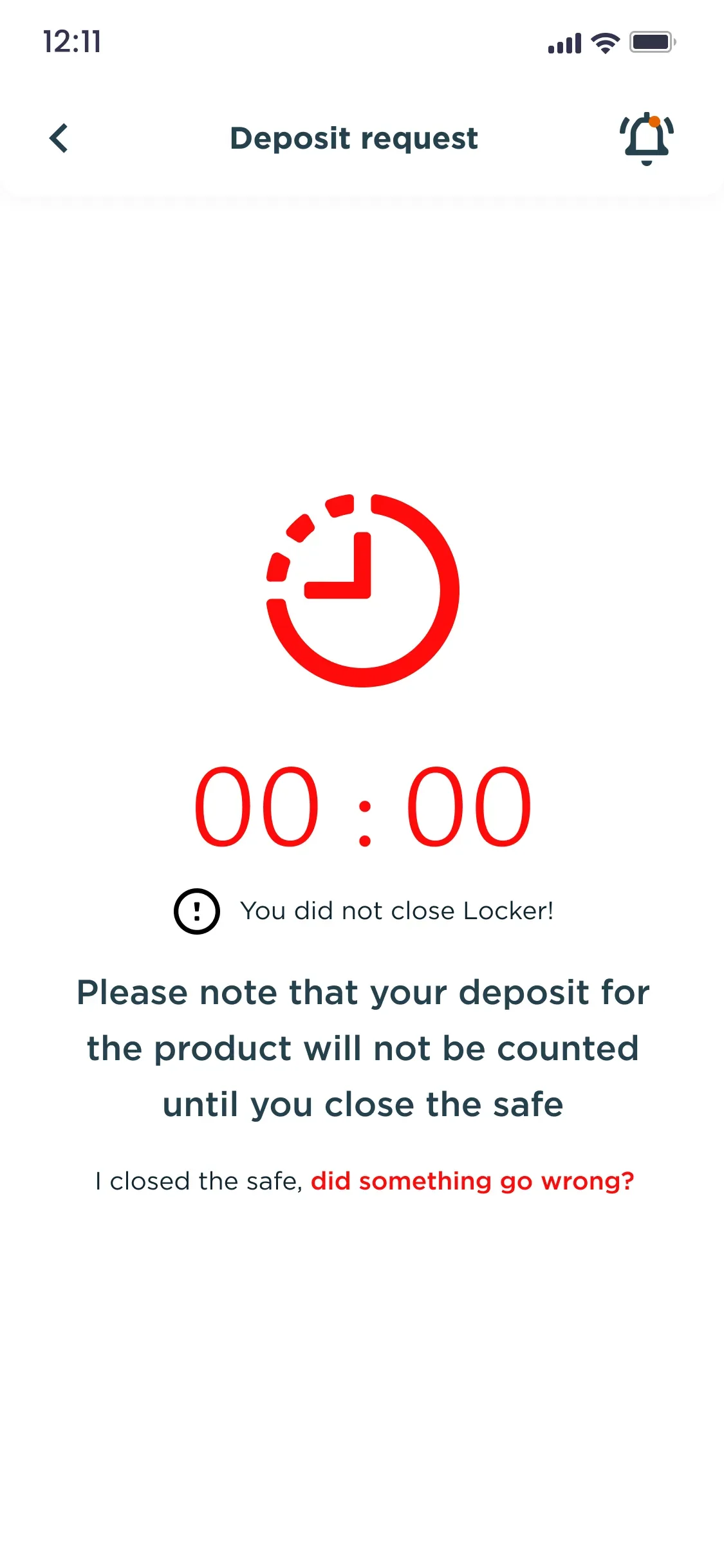
I like this screen because it treats the driver as a partner, not a suspect. It states what the system knows, what it means and what to do. That last link, “did something go wrong?”, admits that sensors and doors fail, and gives the person a route other than calling someone.
Decision checklist
- Each role has a named unit of work (request, trip, ticket, exception).
- Each role’s first screen shows what that person needs to do now.
- Navigation follows tasks for each role; the admin view can follow data.
- Every handoff has a visible state and a named owner.
- Failure at each handoff is designed: what the person sees, what it means, what to do.
- Roles never have to read other roles’ work to do their own.
- Permissions, if needed, follow from the role views, not the other way round.
Sources and further reading
Links open the original source. Claims marked as research come from these; the analysis and project readings are mine.
Relevant work
 Shttle
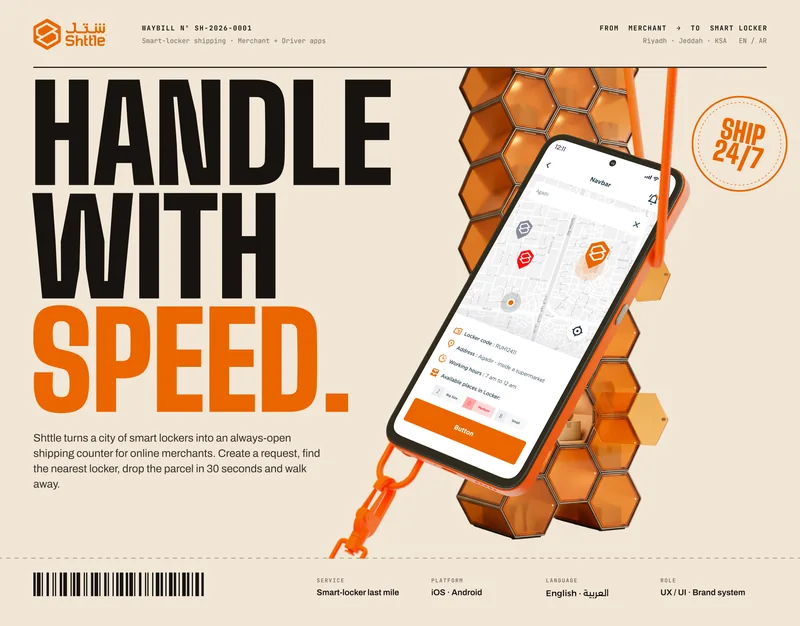
Two apps for one service: merchants work in requests, drivers work in trips and cabinets.
Open the project
 Flexbox
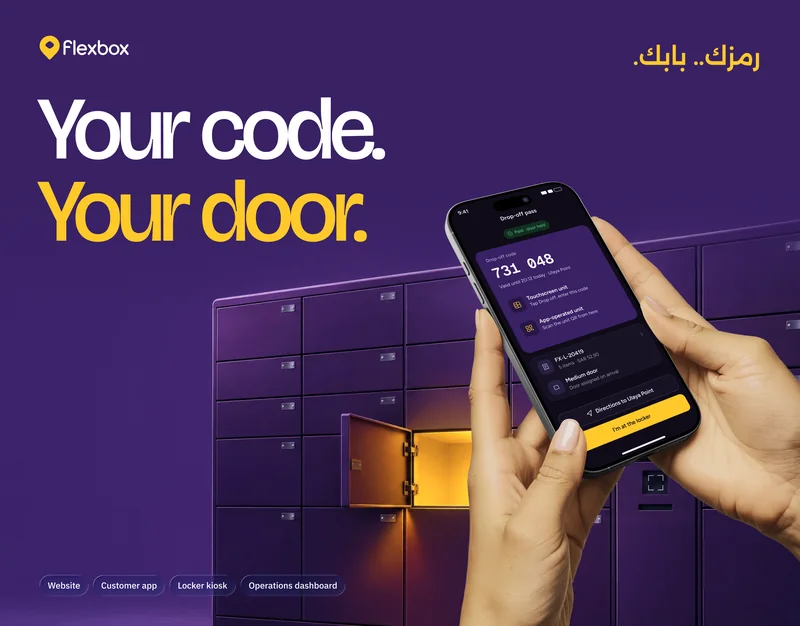
A locker service with a website, app, locker screens and operations interface, tied in 2026 to one code.
Open the project
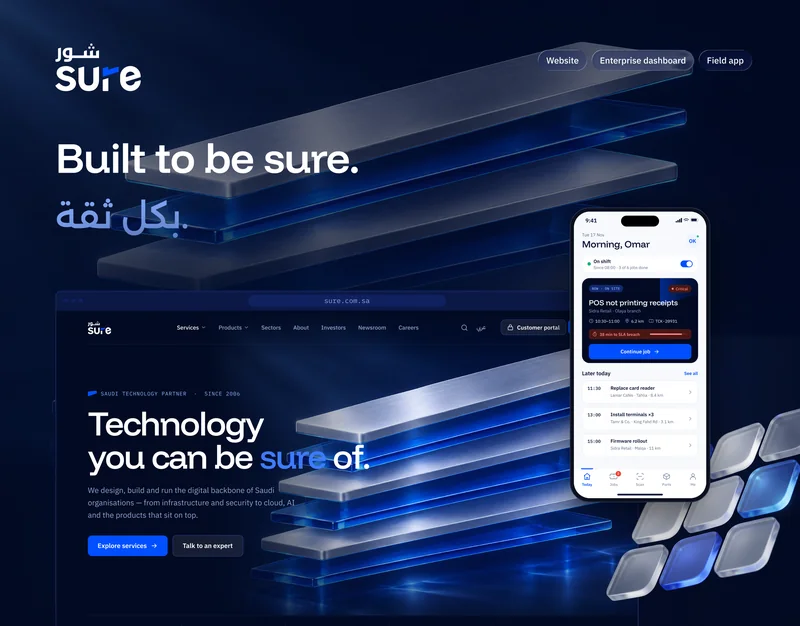 SURE
A ticket platform reimagined in 2026 for dispatchers, agents, client admins and field engineers.
Open the project
Working on something similar?
If your team is facing this decision, a short call is usually enough to see whether I can help. Bring the product, the constraint and the deadline.
Newsletter
New articles, in your inbox.
An email when I publish a new article, in English or Arabic. No set schedule, no spam, and one click to leave.
Related articles
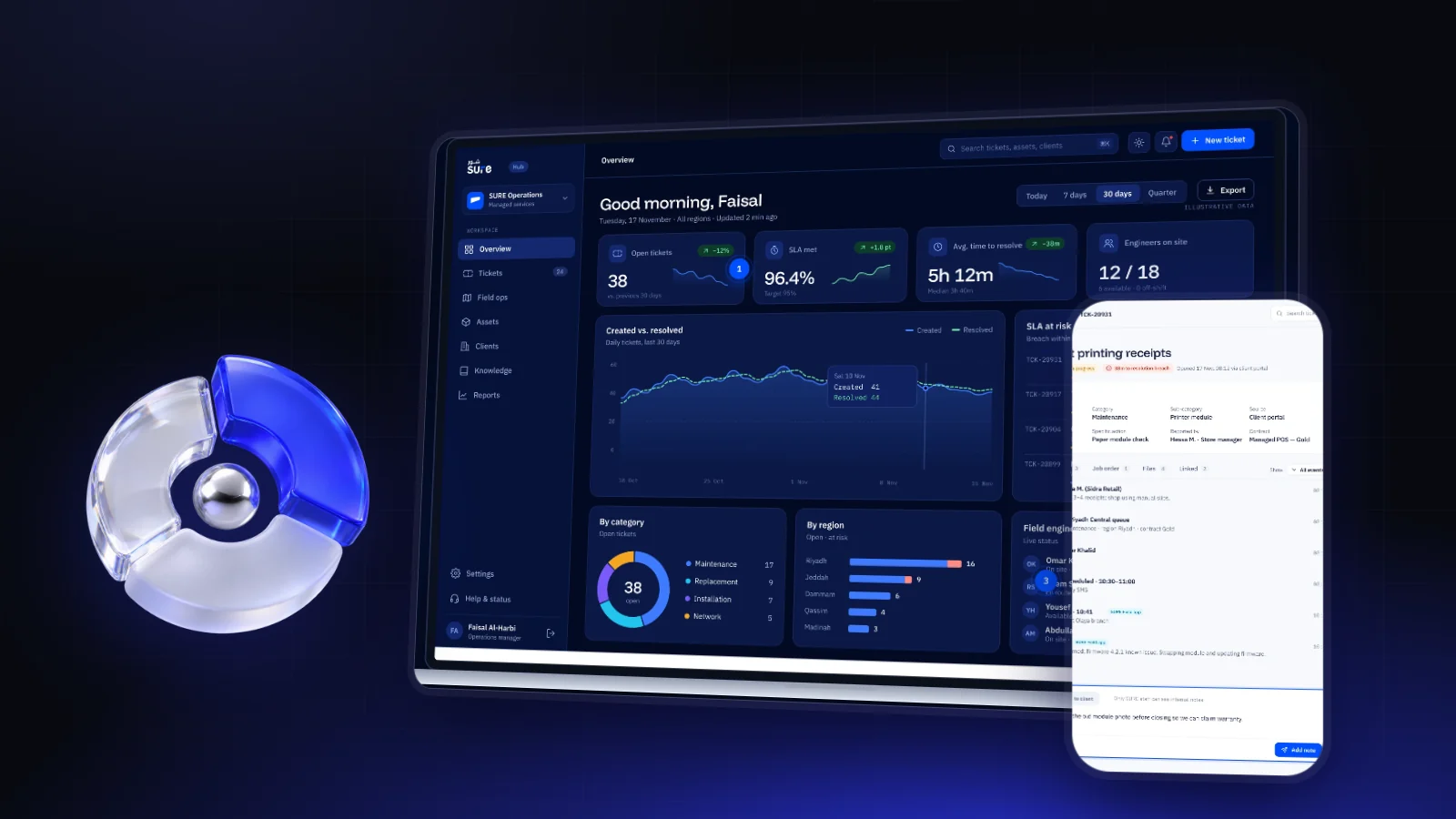
A dashboard should help your team decide, not just display data.
Exceptions first, status against normal, owners and next actions: how to design an operational dashboard around the decisions people make with it.
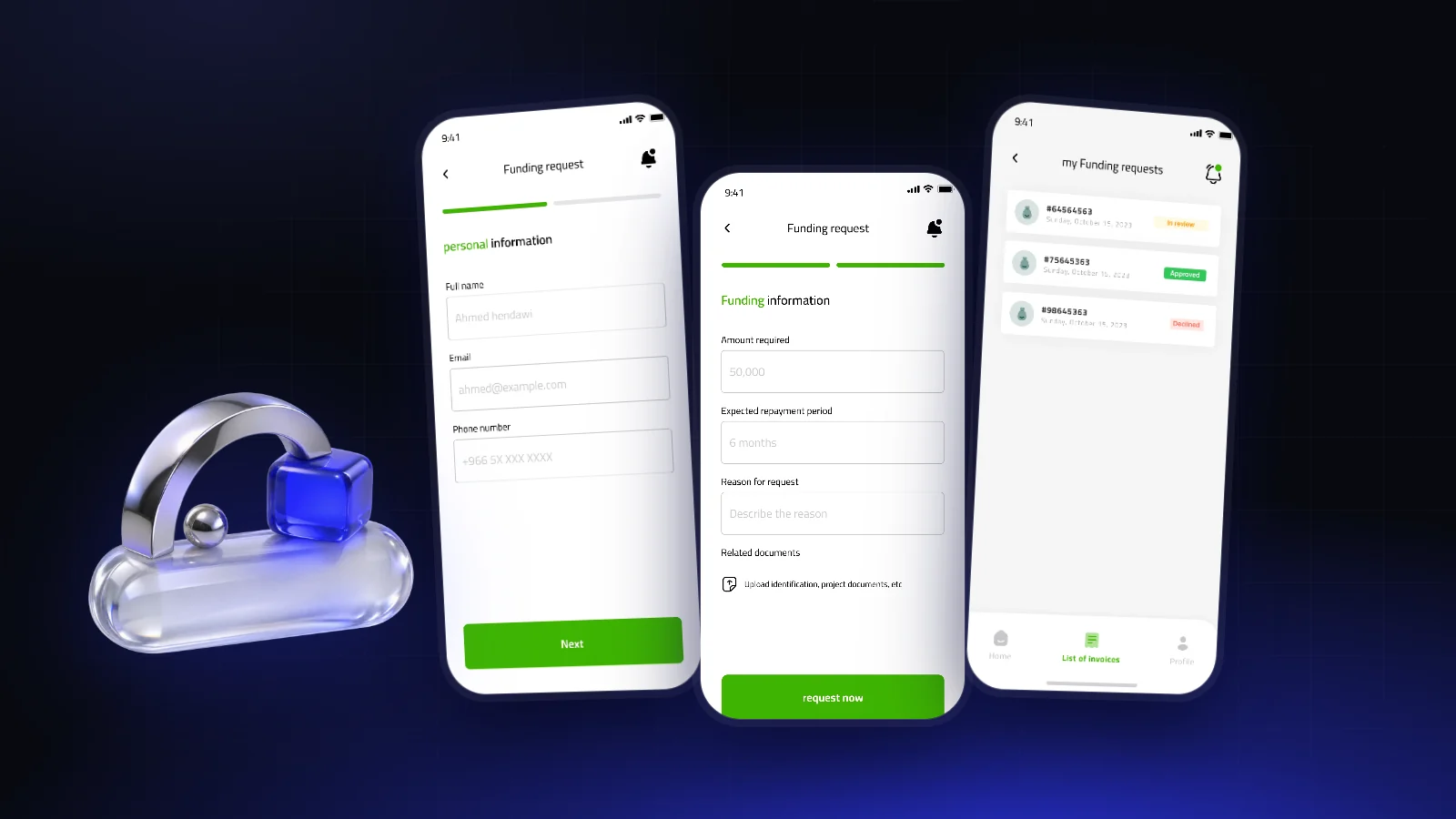
When your form asks for too much: making complex requests manageable.
Sequence, progressive disclosure, explanations, validation, review and what happens next: how to turn a long application or quotation form into a request people finish.
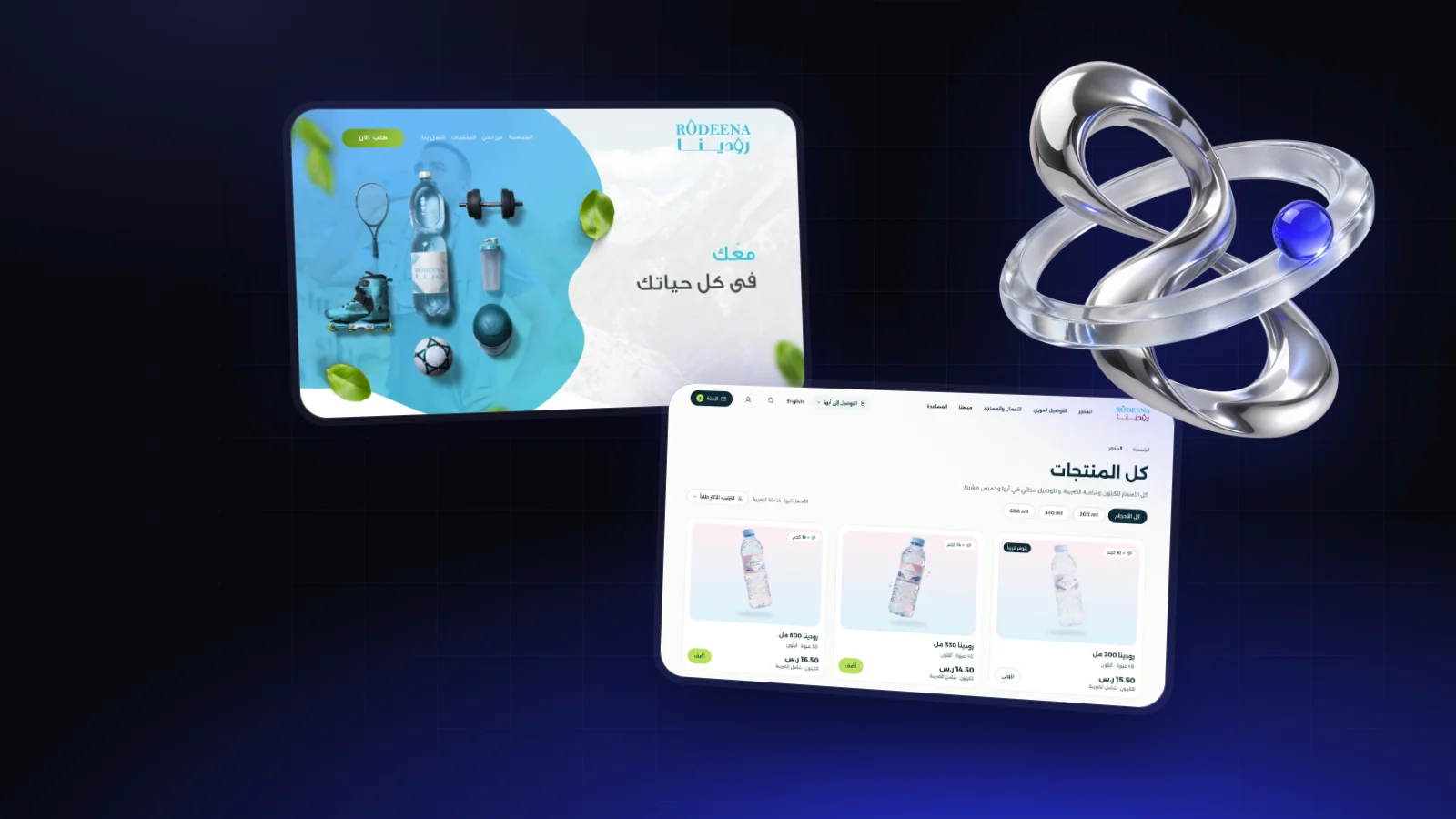
Redesign or repair? How to decide what your product actually needs.
A full redesign is sometimes right, and often expensive theatre. How to read where your problems really are, what already works, and which kind of change your product needs.