Redesign or repair? How to decide what your product actually needs.
“We need a redesign” is one of the most expensive sentences in product. Sometimes it is right. Often the product needs something smaller and more precise. The decision depends on where the problems sit and how much already works.
Ahmed HendawiPublished 5 min read
Why “let’s redesign” is so tempting
A redesign feels decisive. It promises a fresh start, a new look for investors and a chance to fix everything at once. It also hides its costs: months without improvements to the live product, migration work nobody scoped, and customers who must relearn a product they already knew.
Hoa Loranger at Nielsen Norman Group makes the case for restraint in Radical Redesign or Incremental Change? (2015): drastic changes are jarring for users and risky for the business, people do not like change, and redesign projects often stall in debate. The same article names when a radical redesign is justified: incremental gains have dried up, the technology cannot support critical journeys, years of patches have made the structure incoherent, or the product is far behind the competition.
Software engineers have a famous version of the same warning. Joel Spolsky’s Things You Should Never Do, Part I (2000) argues that old code that looks ugly often holds fixes for real problems learned in the field, and rewriting it throws that knowledge away. Interfaces carry the same kind of hidden knowledge: the odd label that stopped a support call, the field order that matched a paper form.
A simple way to decide
Where the problems sitacross the structurein a few tasks
What already workslittlea lot
Repair when most of the product works and the problems sit in specific tasks: a checkout that fails, a form that confuses, a page that does not answer a buyer’s question. Rebuild one journey when a single flow is broken end to end but the rest is sound. Refocus when the structure no longer matches the business but parts of it are valued by users. Redesign only when both the structure and most of the parts are failing.
Case one: a page that needed repair, then growth
Fiction is an online academy for reading and writing fiction. In 2022 I designed its landing page, with a dark version, a responsive layout and a terms page. In 2026, for my case study, I read that page again with a red pen, as an editor would. The findings were small and specific: typos in sample text, a duplicated navigation item, copy that could be sharper. That is repair: fix the specific defects, keep the structure that works.
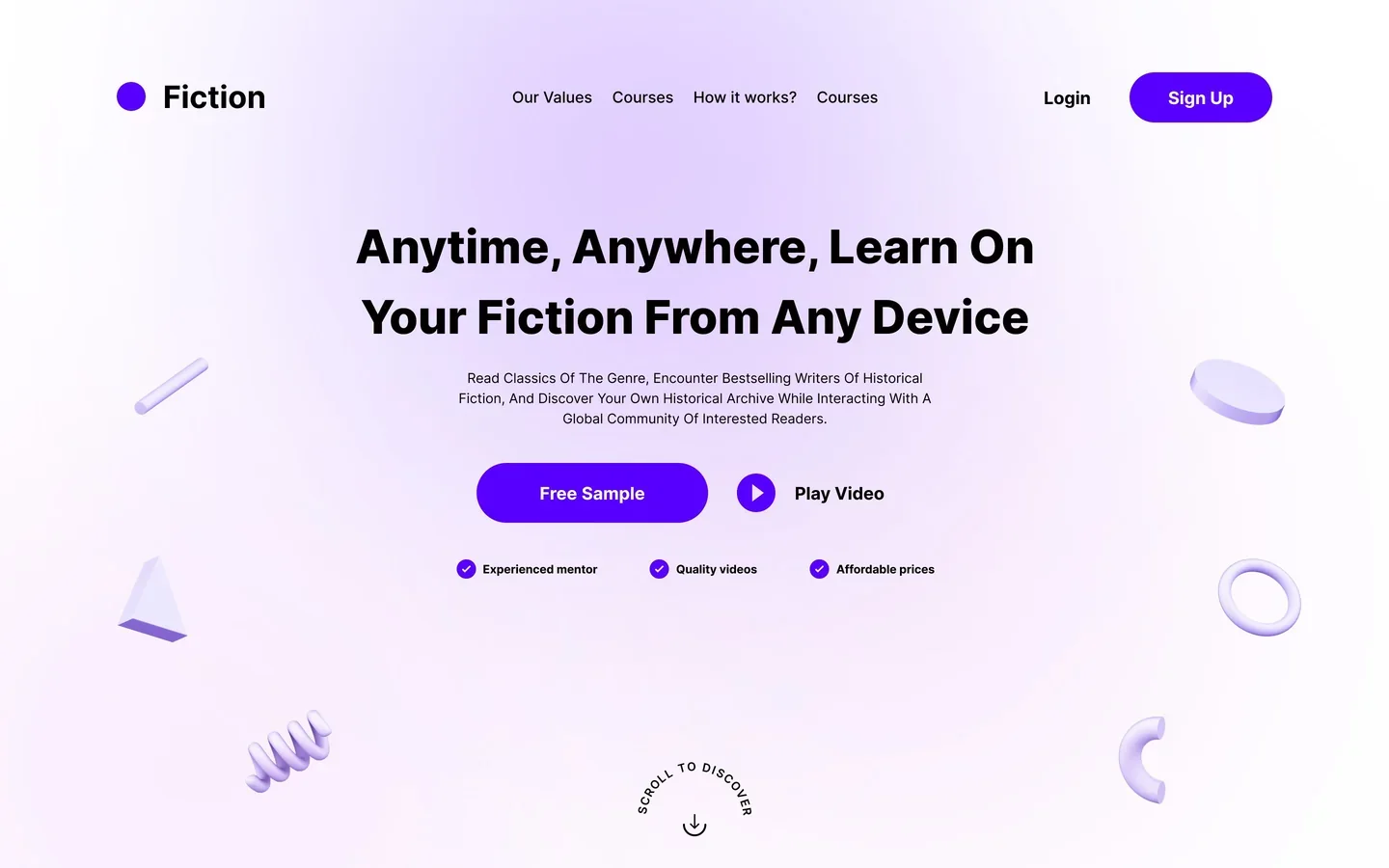 2022 original
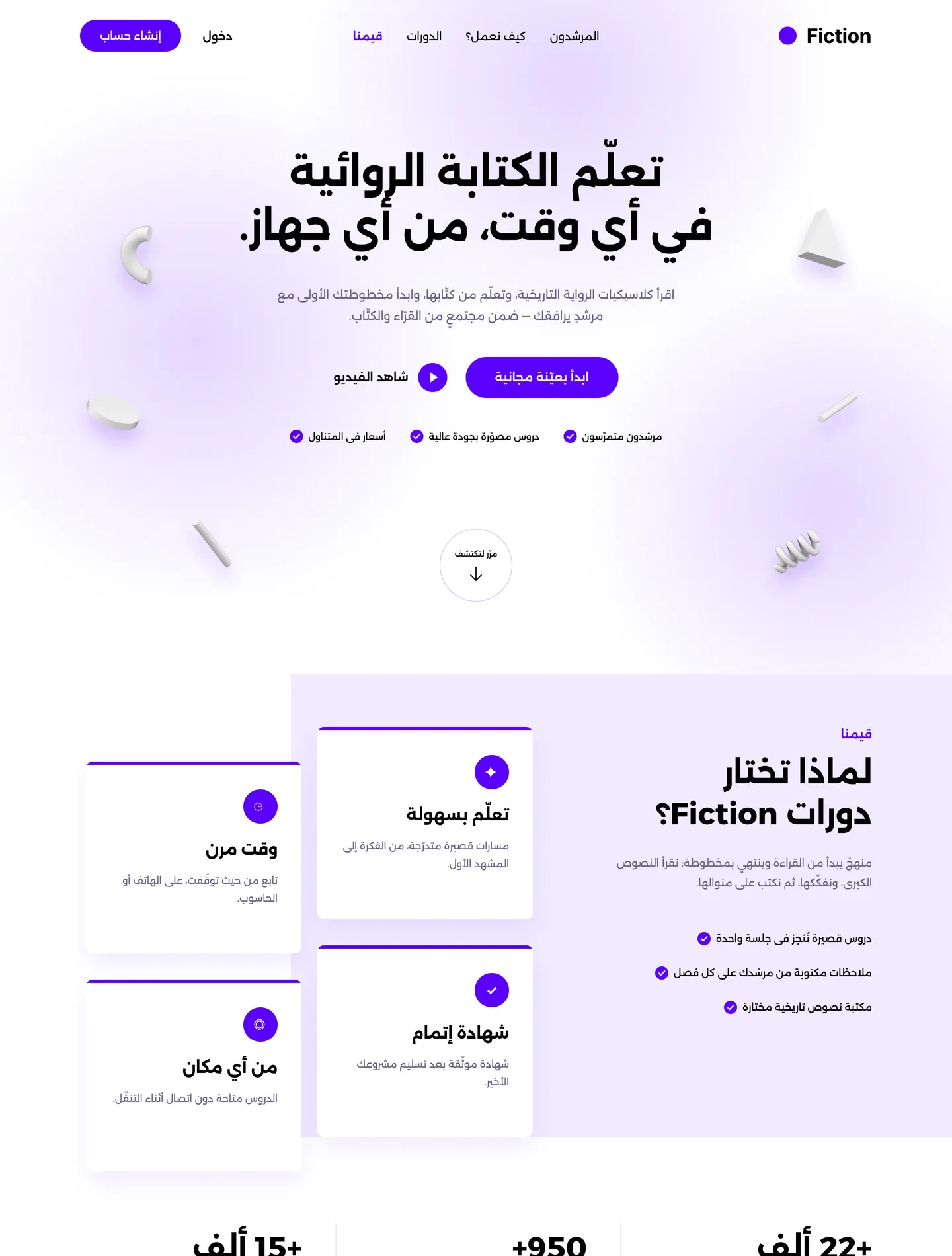 2026 concept
The same case study then added what the product needed next: an Arabic edition, a course page, a lesson player, a writing room and a certificate. These are proposals, not shipped features. They show the second half of the repair path: once the existing page is sound, grow the product around it rather than rebuilding it.
Case two: a structure that could not hold the business
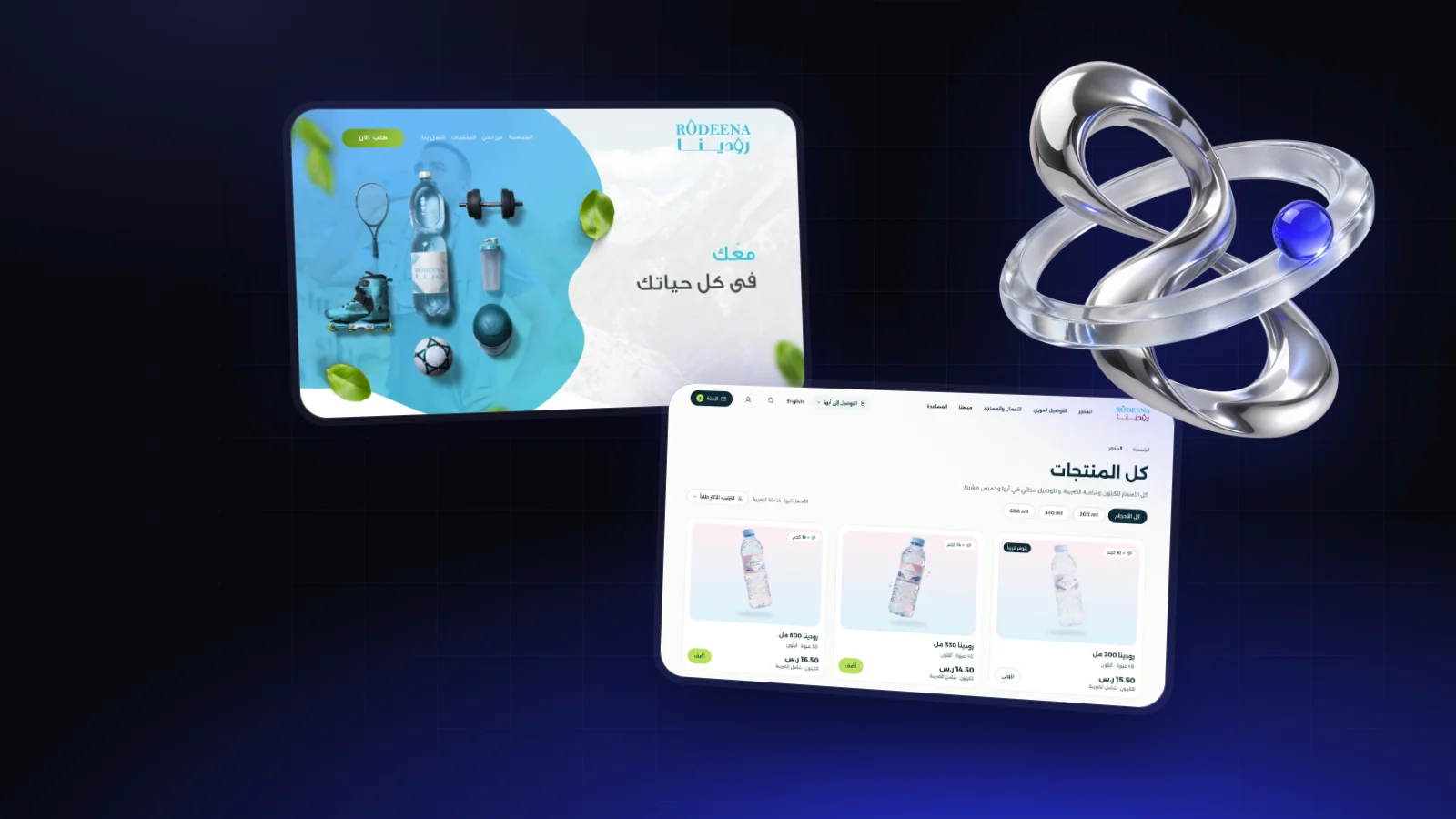
Rodeena is a water brand in Asir. In 2018, while I was a UI/UX designer at Ibtikarat, I designed its Arabic homepage; the agency built and delivered the site. In 2026 I developed a new concept for its website and customer app. It was not commissioned by Rodeena and has not launched.
 2018 original
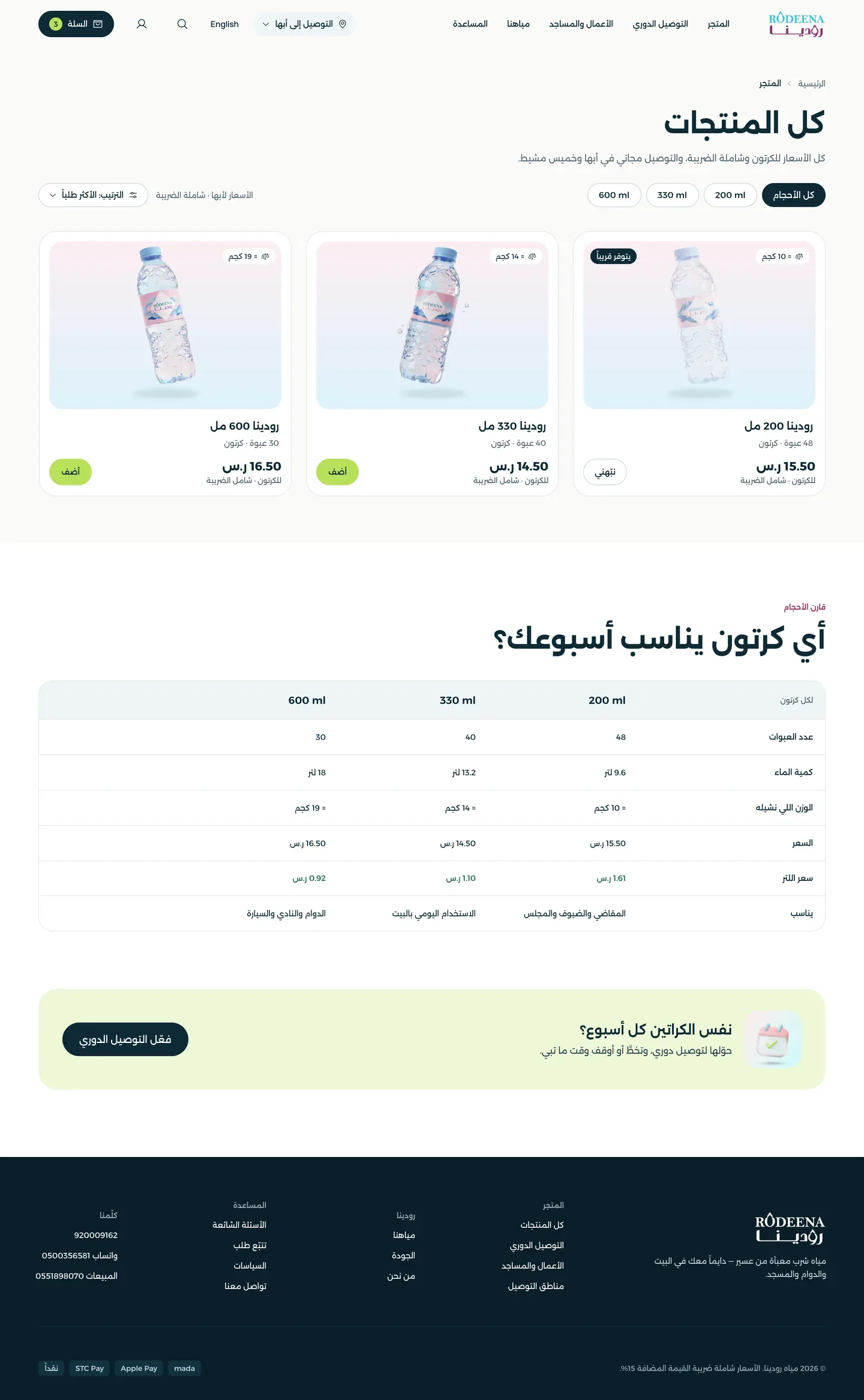 2026 concept
Here repair would not have been enough. The 2018 homepage was a single brand page; ordering happened by phone or WhatsApp, with no cart, prices or delivery windows. No amount of polishing that page would turn it into a store. The business model, repeat household orders of heavy cartons, needed a different structure: products with prices, a cart, delivery windows, and the usual order as the home of the app. That is the bottom-right of the matrix: the structure, not the details, was the problem.
If you do redesign, plan the transition
Laws of UX, in its summary of Jakob’s Law, notes that users carry expectations from what they already know and suggests letting people use a familiar version for a limited time during a redesign. For a product with existing customers, that means a migration plan: which journeys move first, how long both versions coexist, what is measured before and after, and who decides when the old version goes.
Decision checklist
- We have listed the specific tasks that fail, with evidence, before choosing a redesign.
- We have listed what works today and why users rely on it.
- The problems are located: in a few tasks, one journey, or the structure.
- Incremental fixes have been tried, or we know why they cannot work.
- Implementation cost includes migration, content, testing and support.
- A redesign, if chosen, has a transition plan and a before-and-after measure.
Sources and further reading
Links open the original source. Claims marked as research come from these; the analysis and project readings are mine.
Relevant work
 Rodeena
A 2018 homepage and a 2026 concept for the website and app, built around the repeat order.
Open the project
 Fiction
A 2022 landing page, read again with a red pen, then extended with the screens it needed next.
Open the project
 SURE
A 2022 dashboard, critiqued and rebuilt as a 2026 concept around service levels.
Open the project
Working on something similar?
If your team is facing this decision, a short call is usually enough to see whether I can help. Bring the product, the constraint and the deadline.
Newsletter
New articles, in your inbox.
An email when I publish a new article, in English or Arabic. No set schedule, no spam, and one click to leave.
Related articles
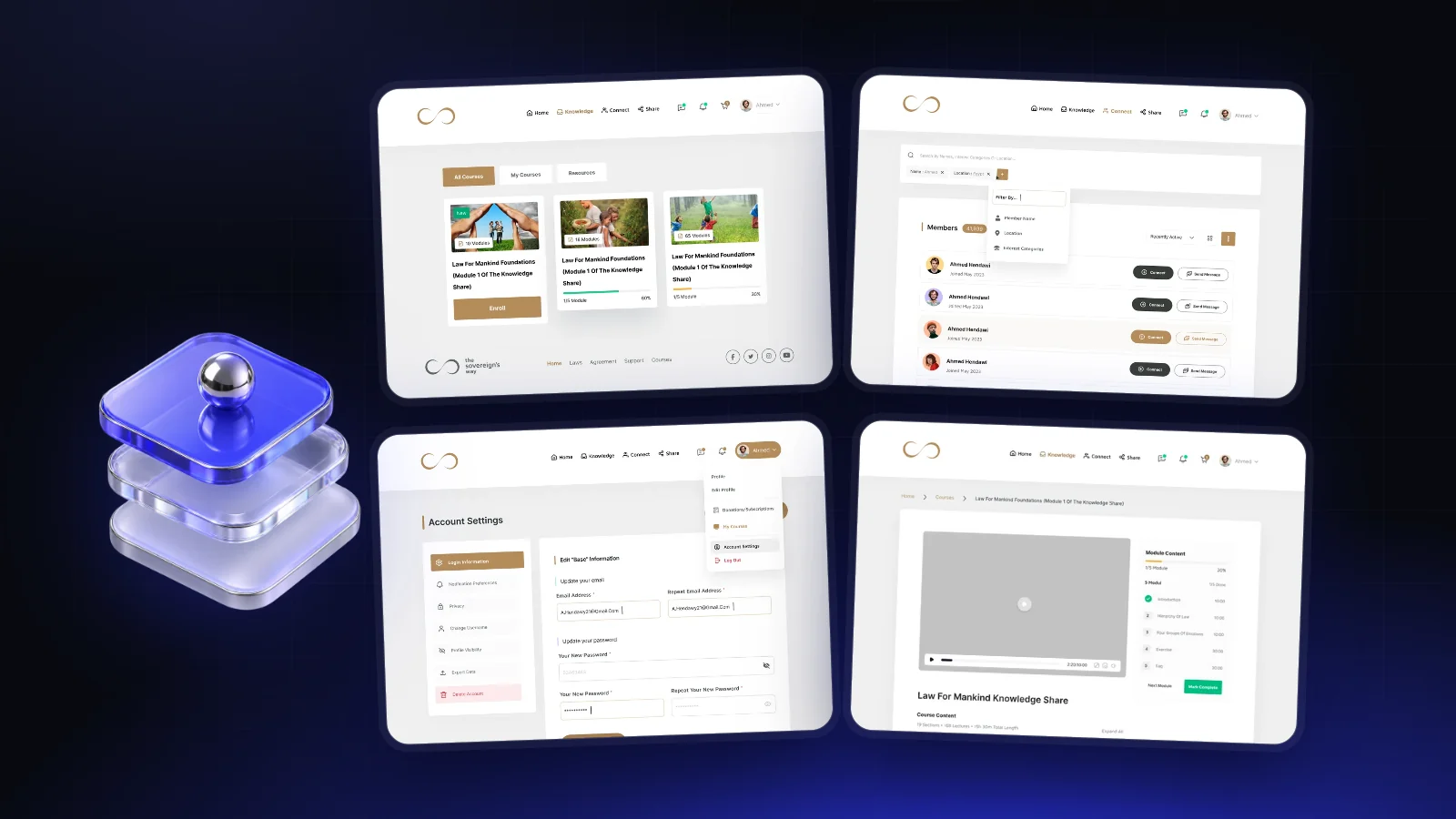
Does your product need a design system, or better foundations first?
The signals that justify a full design system, the ones that only call for better foundations, and how to size the investment so it gets used.
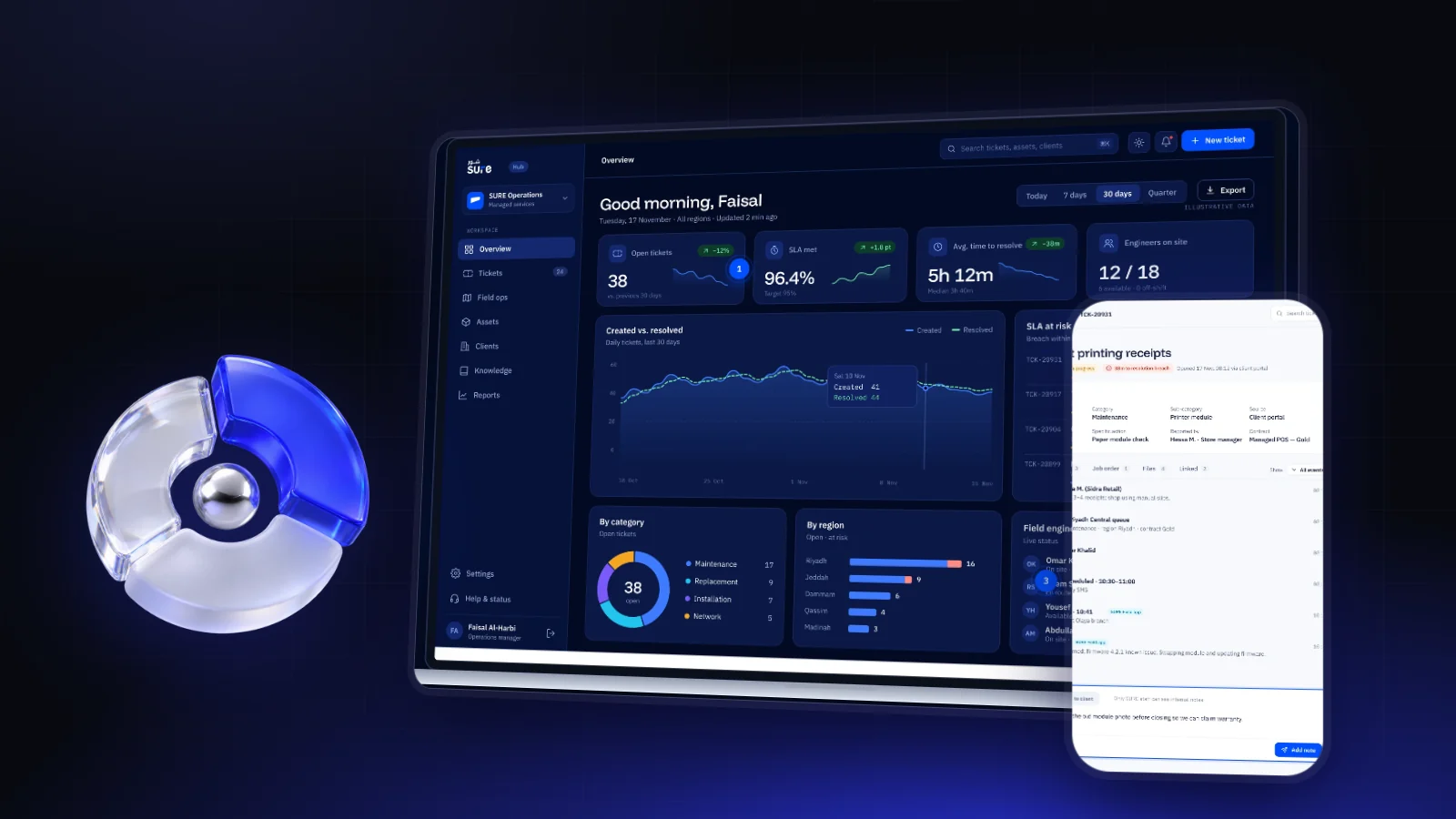
A dashboard should help your team decide, not just display data.
Exceptions first, status against normal, owners and next actions: how to design an operational dashboard around the decisions people make with it.

Your company website looks good. Can a potential client understand why to contact you?
Clear services, relevant proof, project stories, mobile reading and contact paths that match intent: what turns a good-looking website into one buyers act on.